
Key facts
Start here
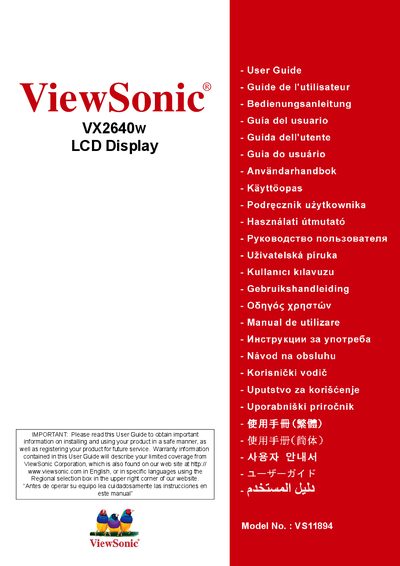
ViewSonic VX2640w LCD Display User Guide
The ViewSonic VX2640w User Guide provides step‑by‑step instructions for installing and using the 25.5" LCD display safely. It includes safety warnings, compliance information, quick installation steps, and detailed menu navigation.
The guide also contains product registration details, warranty information, and contact numbers for service support in the United States, Mexico and other regions.
ViewSonic VX2640W specifications
| Model number | VS11894 |
|---|---|
| Display size | 25.5 inches |
| FCC compliance | Part 15, Class B |
| Energy Star | Certified |
All ViewSonic VX2640W documents by type
Day-to-day operation, settings and troubleshooting. Start here if the product is already set up.
Questions answered in these manuals
How can I register my ViewSonic VX2640w product?
Product registration can be done online at www.viewsonic.com or via the ViewSonic Wizard CD‑ROM.
Where can I find warranty information for the VX2640w?
Warranty details are provided in the Limited Warranty section of the user guide.
How should the LCD screen be cleaned?
Use a soft, dry cloth to wipe the screen; avoid abrasive materials and do not spray liquids directly on the display.
What does the warranty cover?
ViewSonic’s liability is limited to repairing or replacing the product; it does not cover property loss, profit loss, or other commercial damages.