
Key facts
Start here
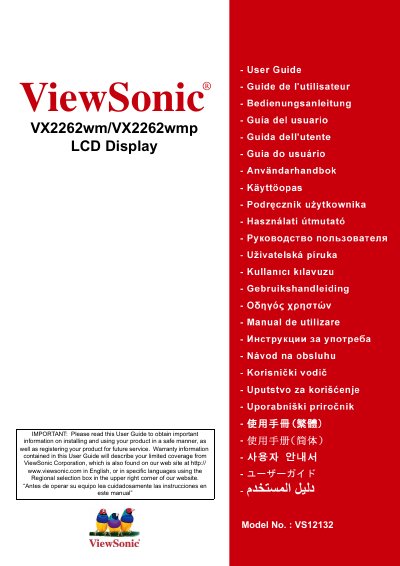
ViewSonic VX2262wm/VX2262wmp LCD Display User Manual
This manual covers everything needed to set up and use the ViewSonic VX2262wm/VX2262wmp 22‑inch LCD display, including safety precautions, quick installation steps, wall‑mounting instructions, and on‑screen display settings. It also contains compliance information, RoHS declaration, and product registration details.
Additional sections describe troubleshooting, cleaning, and warranty terms for the United States, Canada, Europe, and Mexico, as well as technical specifications such as screen size, resolution, power requirements, and physical dimensions. This manual is written in Spanish.
ViewSonic VX2262WM specifications
| Screen Size | 22" diagonal |
|---|---|
| LCD Type | WSXGA+ TFT Active Matrix |
| Resolution (recommended) | 1680 x 1050 @ 60 Hz |
| Power Voltage | 100‑240 VAC, 50/60 Hz (auto switch) |
| Dimensions | 508.7 mm W × 440.55 mm H × 202.84 mm D |
| Weight | 12.23 lb (5.56 kg) |
| Power Consumption | 45 W (blue LED) <1 W standby |
Source: ViewSonic VX2262wm/VX2262wmp LCD Display User Manual
All ViewSonic VX2262WM documents by type
Day-to-day operation, settings and troubleshooting. Start here if the product is already set up.
- ViewSonic VX2262wm/VX2262wmp LCD Display User Manual 25 p
- ViewSonic VX2262wm/VX2262wmp LCD Display User Manual 23 p
- ViewSonic VX2262wm/VX2262WMP Manual
- ViewSonic VX2262wm/VX2262wmp LCD Display User Guide 22 p
- ViewSonic VX2262wm/VX2262wmp LCD Display User Manual 23 p
- ViewSonic VX2262wm/VX2262wmp LCD Display User Manual 21 p
Questions answered in these manuals
How do I set the timing mode for optimal picture quality?
Set the resolution to 1680 × 1050 and the refresh rate to 60 Hz, then adjust the image with the OSD controls.
How can I mount the display on a wall?
Use a UL‑listed wall‑mount kit, remove the base screws, attach the VESA 100 mm × 100 mm bracket, and secure the display to the wall.
What is the model number of this display?
The model number is VS12132, as shown on the product label.
What steps can reduce electromagnetic interference from the monitor?
Adjust or relocate the receiving antenna, increase the distance between the monitor and the receiver, plug the monitor into a different outlet, or consult a technician.
What VESA pattern is required for wall‑mounting?
Use a VESA 100 mm × 100 mm mounting bracket as specified in the wall‑mount kit.
How do I install the monitor?
Connect the power cable, then the video cable, and finally turn on the LCD display before powering up the computer.