
Key facts
Start here
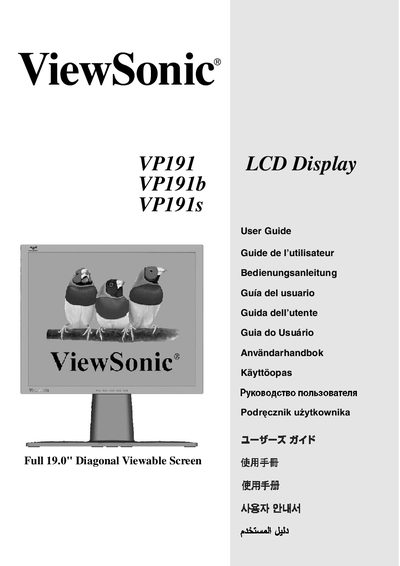
ViewSonic VP191/VP191b/VP191s display Manual
This manual provides step‑by‑step instructions for unpacking, connecting, and installing the ViewSonic VP191 LCD display. It includes quick‑start procedures, wiring details, and guidance for both landscape and portrait orientations.
Safety notices, FCC compliance information, and troubleshooting tips are also covered, helping users avoid interference and maintain optimal image quality.
ViewSonic VP191S specifications
| Maximum Brightness | 260 nits |
|---|---|
| Contrast Ratio | 700:1 |
| Resolution | 1280 × 1024 |
| Response Time (typical) | 5 ms |
| Analog Input | VGA (15‑pin mini D‑Sub) |
All ViewSonic VP191S documents by type
Day-to-day operation, settings and troubleshooting. Start here if the product is already set up.
Questions answered in these manuals
How do I switch the monitor between landscape and portrait mode?
Rotate the display 90° clockwise after loosening the base, then re‑secure the base in the new orientation.
What should I do if the monitor causes radio or TV interference?
Re‑orient or relocate the antenna, increase separation from the monitor, or plug the monitor into a different circuit, as suggested in the FCC warning section.
What is the typical response time of the VP191s display?
The typical response time is 5 ms.