
This document is a user guide that introduces the features, installation, operation, and maintenance of the ViewSonic PJ751 i LCD Projector.
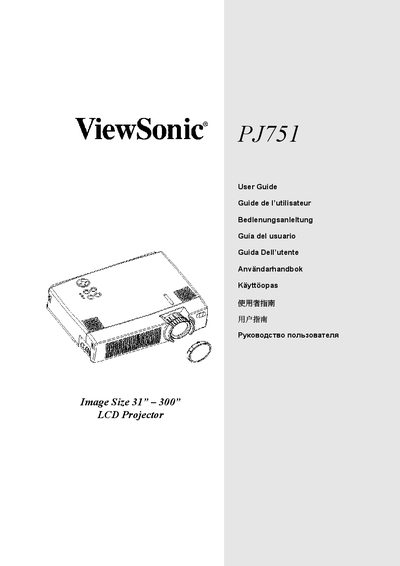
This manual explains how to set up, operate, and maintain the ViewSonic PJ751 LCD projector. It includes safety warnings, unpacking, and connection instructions.
Detailed sections cover lamp replacement, filter cleaning, remote control battery installation, angle adjustment, and troubleshooting of common issues.
| Screen size | 2.3 cm (0.9 型) |
|---|---|
| Lamp power | 200 W UHB |
| Speaker power | 1.0 W + 1.0 W (stereo) |
| Power consumption | 310 W (standard) |
| Dimensions (W x H x D) | 298 x 76 x 228 mm |
| Weight | 3.25 kg (7.15 lb) |
| Lens zoom range | F = 1.7 ~ 2.1; f = 36.8 ~ 47.8 mm |
| Lamp part number | PRJ-RLC-001 |
Turn off the Power Switch, unplug the power cord, wait about 45 minutes for the lamp to cool, then replace the lamp.
The remote uses AA batteries, inserted with the correct polarity.
It operates on AC 100‑120 V at 3.3 A or AC 220‑240 V at 1.4 A.