
Key facts
Start here
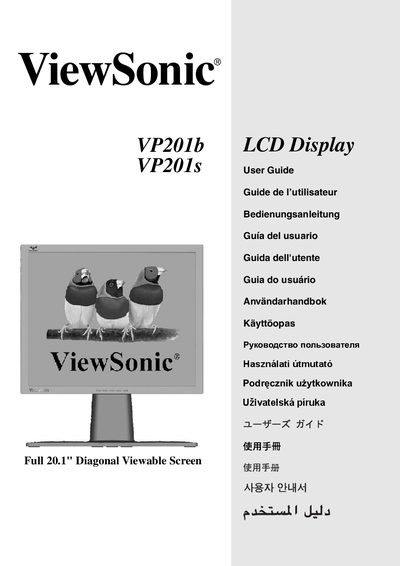
ViewSonic VP201b/VP201s User Manual
This guide walks you through unpacking, connecting, and configuring the ViewSonic VP201b/VP201s 20.1‑inch LCD display. It includes package contents, safety precautions, quick‑start installation steps, and instructions for mounting the monitor on a wall or desk.
The manual also covers display adjustments such as landscape/portrait mode switching, timing‑mode settings, OSD and power‑button lock functions, as well as troubleshooting, warranty information, and regulatory compliance for the United States and Europe.
All ViewSonic VP201B documents by type
Day-to-day operation, settings and troubleshooting. Start here if the product is already set up.
Disassembly, diagnostics and part numbers, for repair.
Questions answered in these manuals
How do I switch the monitor between landscape and portrait mode?
Rotate the LCD panel 90° clockwise after raising the display and pulling the bottom outward; the monitor then operates in portrait mode.
How do I lock or unlock the power button?
Hold [1] and the down‑arrow for 10 seconds to lock; repeat the same combination to unlock.