
Key facts
Start here
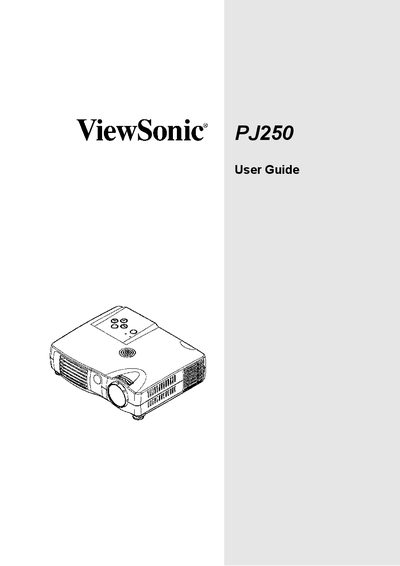
ViewSonic PJ250 User Manual
This manual covers everything needed to install and use the ViewSonic PJ250 projector, including a list of accessories, detailed descriptions of projector and remote‑control components, and step‑by‑step instructions for connecting to a PC or video equipment. Safety guidelines, lamp‑replacement procedures, and compliance information for the United States, Canada, and Europe are also included.
Additional sections explain menu navigation, status indicators, power‑supply requirements, and troubleshooting tips, helping users achieve optimal performance while protecting the device from damage.
ViewSonic PJ250 specifications
| Resolution | 1024 × 768 (XGA) |
|---|---|
| Brightness | 1,000 lumens |
| Contrast Ratio | 2000:1 |
| Lamp Power | 120 W |
| Lamp Life | 2000 hours |
| Throw Distance | 0.89 m – 5.08 m (20"‑245") |
| Power Consumption | 180 W (typ) |
| Operating Temperature | 5 °C to 30 °C |
| Operating Humidity | 30 % to 85 % (non‑condensing) |
| Dimensions (W×D×H) | 180 mm × 141 mm × 45 mm |
| Weight | 1 kg |
All ViewSonic PJ250 documents by type
Day-to-day operation, settings and troubleshooting. Start here if the product is already set up.
Questions answered in these manuals
What accessories come with the PJ250 projector?
The package includes a Quick Start Guide, ViewSonic wizard CD, lens cap, remote control with a button battery, power cable, DVI/mini‑D‑sub conversion cable, RGB signal cable, S‑Video cable, video cable, audio cable, and a soft carry case.
How do I replace the lamp?
Replace the lamp when the Status indicator lights up; the lamp may shatter at the end of its life, so contact ViewSonic immediately if this occurs.
What is the brightness of the ViewSonic PJ250 projector?
The PJ250 provides a brightness of 1,000 lumens.
How much does the PJ250 projector weigh?
The projector weighs approximately 1 kg, making it easy to carry.