
Key facts
Start here
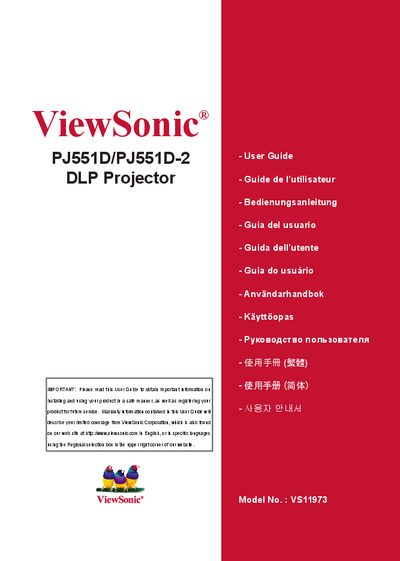
ViewSonic PJ551D/PJ551D-2 DLP Projector Manual(1)
This guide introduces the ViewSonic PJ551D DLP projector, describing its features such as a single‑chip 0.55" Texas Instruments DLP engine, XGA resolution, and multiple video compatibility modes. It also lists the package contents and explains the projector’s control panel, remote control, and connection ports.
The manual covers safe installation, power‑on procedures, menu navigation, and routine maintenance like cleaning the lens and replacing the lamp. Safety warnings, FCC/CE compliance information, warranty details, and contact information for service and support are provided to help users operate the projector reliably.
ViewSonic PJ551D-2 specifications
| Projection engine | Single chip 0.55" Texas Instruments DLP |
|---|---|
| Resolution | XGA (1024 × 768 pixels) |
| Video compatibility | NTSC, PAL, SECAM and HDTV |
| Analog video connector | D‑Sub 15‑pin terminal |
| Auto‑image resizing | Auto‑Sync to 1024 × 768 full screen |
All ViewSonic PJ551D-2 documents by type
Day-to-day operation, settings and troubleshooting. Start here if the product is already set up.
Questions answered in these manuals
How should I clean the projector’s display?
Clean the display with a soft, dry cloth; if it is still not clean, follow the “Cleaning the Display” instructions in the guide.
What steps can I take if the projector causes radio interference?
Reorient or relocate the receiving antenna, increase the separation between the equipment and receiver, or connect the projector to a different circuit.
How can I register my ViewSonic PJ551D projector?
Register the product online at www.viewsonic.com or use the ViewSonic Wizard CD‑ROM to print and mail the registration form.
What is the resolution of the ViewSonic PJ551D projector?
The projector supports XGA resolution with 1024x768 pixels.
What type of AC power source is required for the projector?
The projector must use a grounded AC power outlet.