
Key facts
- Brand
- ViewSonic
- Model
- VPW425
- Category
- Television
- Industry
- Appliances
- Documents
- 4
- Languages
- EN
- Last added
- 2012-07-13
Start here
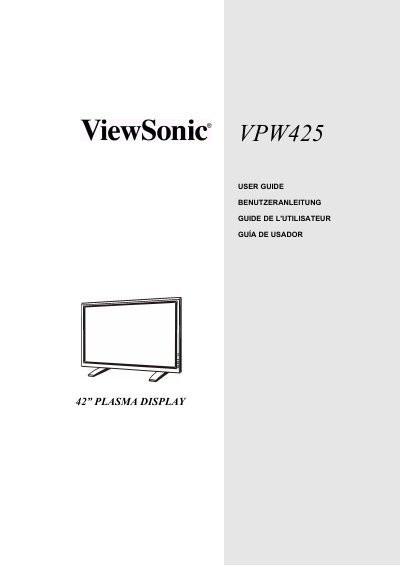
ViewSonic VPW425 Plasma Display User Guide
The ViewSonic VPW425 is a 42-inch plasma display designed for quiet, fanless operation suitable for home theater applications. It features advanced digital image processing, including 3:2 pull-down for film and 3D comb filtering for superior NTSC video performance. The monitor supports HDTV signals (1080i and 720p) and offers dual HD component video inputs with auto-detection capabilities.
Read onlineViewSonic VPW425 specifications
| Screen Size | 42 inch |
|---|---|
| Audio Amplifier Power | 10-watt (5 watts x2) |
| Maximum PC Resolution | 1280x1024 |
| HDTV Signal Support | 1080i and 720p |
| Video Inputs | Dual HD Component Video |
All ViewSonic VPW425 documents by type
Day-to-day operation, settings and troubleshooting. Start here if the product is already set up.
Questions answered in these manuals
Is the ViewSonic VPW425 fanless?
Yes, this plasma monitor is built without any fans for quiet operations suitable for home theater related applications.
Does the monitor support HDTV signals?
Yes, it is capable of accepting 1080i and 720p HDTV signals via an external HDTV decoder with RGB or Component Video outputs.
What warranty does the VPW425 have?
It includes a one‑year limited warranty on parts and labor.
How much power does the VPW425 consume?
Typical power consumption is 370 W.
What power supply does the ViewSonic VPW425 require?
It operates on AC voltage from 100 V to 240 V with a tolerance of ±10 %.
From: ViewSonic VPW425 42" Plasma TV Display User Manual
How do I connect a DVD player to the VPW425?
Connect the DVD player's component video cables to the Y, PR, and PB inputs on the monitor and the audio jacks to the corresponding audio‑in jacks; alternatively use S‑Video or composite connections as described in the manual.