
Key facts
Start here
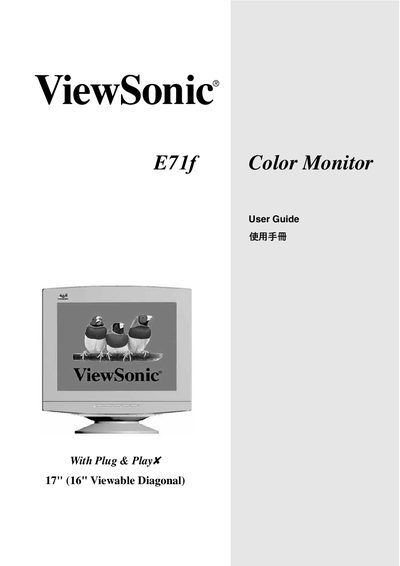
ViewSonic E71f Color Monitor User Guide
This guide covers the basic installation of the ViewSonic E71f 17" (16" viewable) color monitor, including power‑cord selection for different regions, safety warnings, and FCC/CE compliance. It also explains how to connect the monitor to a PC using the appropriate video interface and how to secure the grounding of the appliance.
The on‑screen display (OSD) menu lets you adjust contrast, brightness, de‑gauss the screen, and select user‑defined colour settings. Detailed instructions for navigating the Main Menu, using the Contrast/Brightness controls, performing a Degauss, and configuring the User Color options are provided.
ViewSonic E71F specifications
| Screen size | 17" (16.0" viewable) |
|---|---|
| Maximum resolution | 1280 × 1024 |
| Dot pitch | 0.21 mm horizontal, 0.25 mm diagonal |
| Input signal | Video RGB analog (75 Ω, 0.7/1.0 V p‑p) |
| Power consumption | 75 W (typical) |
| Power voltage | AC 100‑240 V, 50/60 Hz |
| Weight | 16.0 kg (35.27 lb) |
| Dimensions (W × H × D) | 410 mm × 473 mm × 421 mm |
| Refresh rates | 1280×1024 @ 66 Hz, 1024×768 @ 87 Hz, 832×624 @ 106 Hz, 800×600 @ 110 Hz, 640×480 @ 133 Hz |
| Compatibility | PC VGA and Mac PowerMac up to 1280 × 1024 |
All ViewSonic E71F documents by type
Day-to-day operation, settings and troubleshooting. Start here if the product is already set up.
Questions answered in these manuals
What is the maximum resolution of the ViewSonic E71f monitor?
The monitor supports a maximum resolution of 1280 × 1024.
Does the E71f have an OSD/Power Lock function?
Yes, the OSD/Power Lock function can be activated to prevent changes to monitor settings.
How do I adjust the contrast and brightness?
Select the Contrast/Brightness item in the OSD Main Menu and use the controls to set the desired levels.
How do I de‑gauss the monitor?
Choose the Degauss function from the OSD menu to remove magnetic distortion from the screen.