
Key facts
- Brand
- ViewSonic
- Model
- G90F
- Documents
- 3
- Languages
- ZH · EN
- Last added
- 2012-03-22
Start here
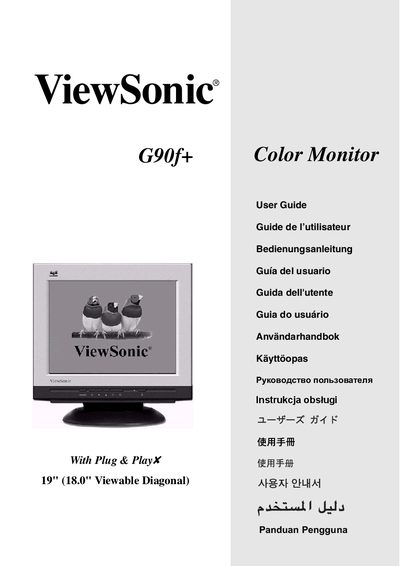
ViewSonic G90f+ User Guide
This guide explains how to install and safely use the ViewSonic G90f+ color monitor. It includes quick‑installation steps, power‑connection instructions, and safety notices to prevent damage or injury.
The manual also details the OnView control panel functions, OSD settings such as brightness and contrast, and provides FCC and CE compliance information. Technical specifications and troubleshooting tips are included for optimal performance. This manual is written in Chinese.
ViewSonic G90F specifications
| Resolution | 1024 x 768 |
|---|---|
| Refresh Rate | 85 Hz |
| Energy Star Rating | 32638 |
All ViewSonic G90F documents by type
Day-to-day operation, settings and troubleshooting. Start here if the product is already set up.
Questions answered in these manuals
What does TCO’03 compliance mean for this monitor?
It means the monitor meets TCO’03 standards for ergonomics, energy saving, electrical safety, emissions, and ecological requirements.
What is the native resolution of the G90f/G90fB CRT monitor?
The monitor’s native resolution is 1024 × 768 pixels.