
This document is a service manual for Samsung's LPE19DS model monitor.
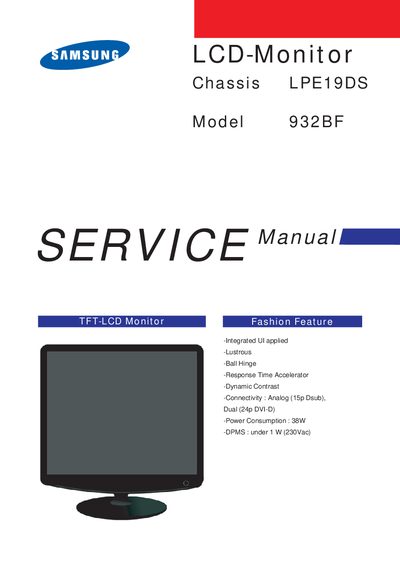
This service manual provides detailed operating instructions, installation steps, and connection guidance for the Samsung 932BF LCD monitor. It includes descriptions of front and rear controls, button functions, and how to select analog or digital video sources.
The document also contains disassembly and reassembly procedures, safety warnings, and wiring diagrams for the monitor's internal components. Technicians can use the wiring diagram section to identify connector assignments and cable types.
| Connectivity | Analog (15‑pin D‑sub), Dual (24‑pin DVI‑D) |
|---|---|
| Power Consumption | 38 W |
| DPMS Power | under 1 W (230 V AC) |
Press the Power button; the power indicator glows green during operation and blinks when adjustments are saved.
Press the SOURCE button to select the desired video signal while the OSD is off; the current mode is displayed on screen.
When the OSD is not visible, press the Brightness button to change the brightness level.