
Panasonic PT-FW300U LCD Projector Operating Instructions

This manual provides instructions for operating the Panasonic PT-FW300NTU / PT-FW300U LCD projector.
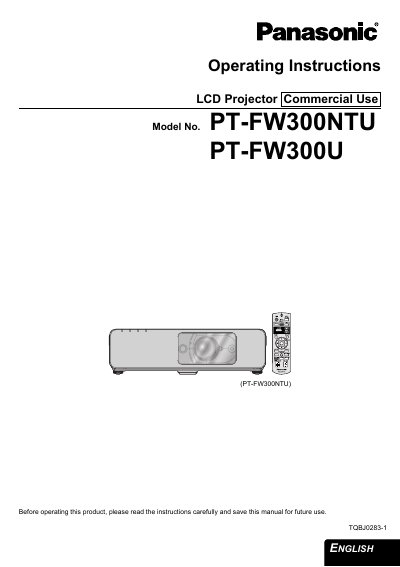

Panasonic PT-FW300U LCD Projector Operating Instructions - cover page
Brand
Panasonic
Category
Projector
Document type
User Manual
Language
English
Pages
72
File format
PDF
File size
4 MB
Published
07 August, 2012
Updated
30 September, 2023
MD5 checksum
8F31E38F9362F6DB1436D7097F93F25A

About this manual

This manual provides operating instructions for the Panasonic PT-FW300U commercial LCD projector. It covers essential safety notices, initial setup steps including screen size determination and lens positioning, and connection methods for computers and AV equipment. The guide details how to switch the device on and off, select input signals, and adjust image settings such as contrast, brightness, and keystone correction.

What's inside

  • Important Safety Notice
  • Minimum required setting screen
  • Setting up
  • Connections
  • Switching the projector On/Off
  • Menu Navigation
  • Maintenance
  • Replacing the Lamp unit

Specifications

Power Supply100 V - 240 V, 50 Hz/60 Hz AC

Frequently asked questions

What is the power supply requirement for this projector?

The LCD Projector is designed to operate on 100 V - 240 V, 50 Hz/60 Hz AC house current only.

Where can I find the serial number of my product?

The serial number may be found on the bottom of the projector.

Download PDF (4 MB)

More Panasonic Manuals


View all Panasonic manuals →