
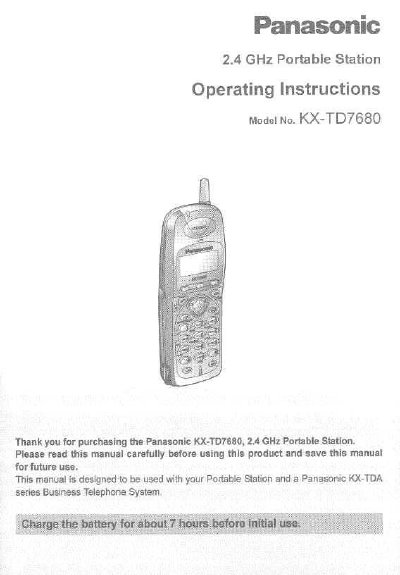
Panasonic KX-TD7680 2.4 GHz Portable Station Operating Instructions


Panasonic KX-TD7680 2.4 GHz Portable Station Operating Instructions - cover page
Brand
Panasonic
Category
Telephone
Document type
User Manual
Language
English
Pages
48
File format
PDF
File size
1.3 MB
Published
07 August, 2012
Updated
24 August, 2012
MD5 checksum
6F91C603865DCE81204AC7CD95BBB380

About this manual

This manual provides operating instructions for the Panasonic KX-TD7680 2.4 GHz Portable Station (PS). It details how to register the device with a compatible Panasonic KX-TDA series Business Telephone System, install batteries, charge the unit, and perform wall mounting.

The guide covers essential functions including making and receiving calls, using directories, transferring calls, and adjusting ringer volumes. It also includes instructions for locking keypads, programming initial settings, and troubleshooting common issues.

What's inside

  • Before Initial Use
  • Location of Controls
  • Setting Up
  • Charging
  • Wall Mounting
  • Power On/Off
  • Signal Search (Cell Search)
  • Locking the Keypads
  • Making Calls
  • Programming

Specifications

Frequency Band2.4 GHz
Battery Charge Timeabout 7 hours

Frequently asked questions

How do I turn on the Portable Station?

Press POWER for about 2 seconds until 'KX-TD7680' is displayed.

How do I lock the dialing buttons?

Press HOLD for about 2 seconds while the PS is in idle status.

What system is this portable station compatible with?

It must be registered with a Panasonic KX-TDA series Business Telephone System.

Download PDF (1.3 MB)

More Panasonic Manuals


View all Panasonic manuals →