
This manual is designed to guide you on how to use the Panasonic KX-TD7680 2.4 GHz Portable Station, and introduces the features and characteristics of the product.
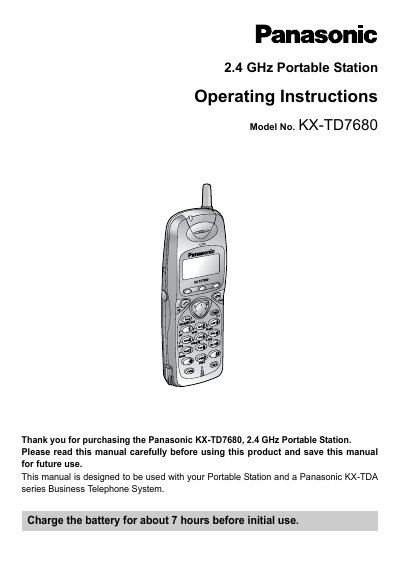
This manual provides the necessary steps to register the Panasonic KX‑TD7680 Portable Station with a KX‑TDA series Business Telephone System, install accessories, and charge the battery before first use. It also describes the included charger, AC adaptor, battery, and optional carrying case.
The guide details the location and function of each control button, how to power the device on and off, perform signal searches, lock the keypad, and navigate the display. It includes programming basics, troubleshooting tips, and safety information for reliable operation.
| Initial battery charge time | about 7 hours |
|---|---|
| Charge indicator colors | red (charging) → green (fully charged) |
Charge the battery for about 7 hours before initial use.
Press the POWER button for about 2 seconds to turn the unit on or off.
It changes from red to green when the battery is fully charged.