
Key facts
- Brand
- Panasonic
- Model
- PV-C1321
- Category
- Video Player
- Documents
- 2
- Languages
- EN
- Last added
- 2012-08-06
Start here
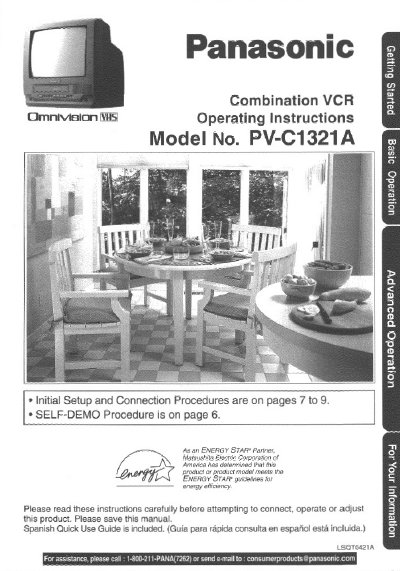
Panasonic PV-C1321A Combination VCR Operating Instructions
This document provides the operating instructions for the Panasonic PV-C1321A Combination VCR. It includes initial setup procedures, connection details, and instructions for using the unit's various features such as timer recording, closed captioning, and V-Chip control. The manual also covers tape operation, including playback and recording functions, as well as special features like instant alarm and time stamp.
Read onlinePanasonic PV-C1321 specifications
| Product Type | Combination VCR |
|---|---|
| Model Number | PV-C1321A |
| Compatibility | Compatible with existing VHS equipment |
Source: Panasonic PV-C1321A Combination VCR Operating Instructions
All Panasonic PV-C1321 documents by type
Day-to-day operation, settings and troubleshooting. Start here if the product is already set up.
Questions answered in these manuals
How do I deactivate the SELF-DEMO Mode?
With Power ON, press PLAY/REPEAT on the unit for 5 seconds to deactivate the SELF-DEMO Mode.
From: Panasonic PV-C1321A Combination VCR Operating Instructions
Where is the serial number located?
The serial number is on the tag located on the back of the unit.
From: Panasonic PV-C1321A Combination VCR Operating Instructions