
This document provides an introduction, installation, configuration and troubleshooting guide for the Panasonic Network Camera KX-HCM280A.
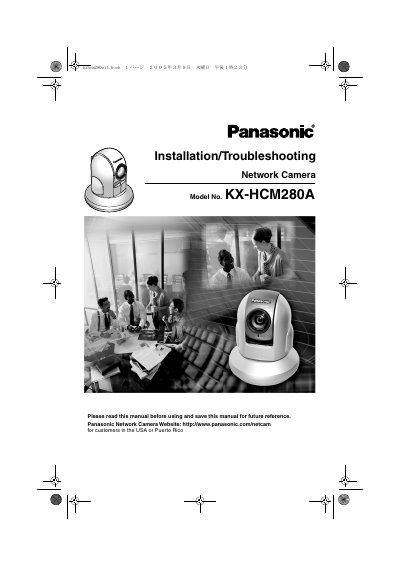
This document serves as the Installation/Troubleshooting manual for the Panasonic KX-HCM280A Network Camera. It provides instructions on initial configuration, mounting options (table or ceiling), and connecting the camera to various network environments, including routers supporting and not supporting UPnP. The guide also details system requirements for PC connections under both IPv4 and IPv6 protocols.
| Operating System | Microsoft Windows XP, 2000, Me, 98SE |
|---|---|
| Recommended CPU (Single Camera) | Pentium III (800 MHz or greater) |
| Recommended CPU (Multiple Cameras) | Pentium 4 (1.8 GHz or greater) |
| Network Interface | 10/100 Mbps network card |
| Web Browser | Internet Explorer 6.0 or later |
| Operating Temperature | 0 °C to +40 °C |
For a single camera, a Pentium III processor with 800 MHz or greater is recommended.
No, the camera is intended for indoor use only.
Disconnect the AC cord from the outlet and reconnect it, then update the firmware again.