
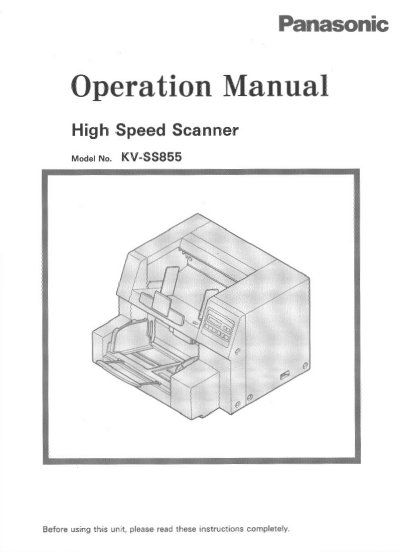
Panasonic KV-SS855 High Speed Scanner Operation Manual


Panasonic KV-SS855 High Speed Scanner Operation Manual - cover page
Brand
Panasonic
Category
Scanner
Document type
User Manual
Language
English
Pages
48
File format
PDF
File size
1.2 MB
Published
08 August, 2012
Updated
08 August, 2012
MD5 checksum
22AB33058D92B3F760401FF4BD386F31

About this manual

This document is the operation manual for the Panasonic KV-SS855 High Speed Scanner. It provides instructions on using the display panel to set hopper positions, counters, and imprinter settings. The guide details how to load documents, clear paper jams, and select paper paths for various media types.

What's inside

  • Notice
  • Precautions
  • Component Identification
  • Display Panel Instructions
  • Setting the hopper position
  • Entering the configuration mode
  • Loading a Document
  • Clearing Paper Jams
  • Cleaning the Unit
  • Specifications

Specifications

Product TypeHigh Speed Scanner
Document LanguageEnglish

Frequently asked questions

What is the model number of this scanner?

The model number is KV-SS855.

What is the maximum number of pages this scanner can handle per setting?

The hopper position settings allow for up to 1,000 pages.

What is the maximum storage temperature for the roller cleaning paper?

Do not store the roller cleaning paper in a place over 40 °C (104 °F).

Download PDF (1.2 MB)

More Panasonic Manuals


View all Panasonic manuals →