
Panasonic DP-C354/C264/C323/C263/C213 Digital Color Imaging Systems Operating Instructions

This document is an operating instruction manual that describes the operation and accessory instructions for the DP-C354 / C264 and DP-C323 / C263 / C213 models of digital color imaging systems. It also provides detailed operating instructions on the included CD-ROMs.
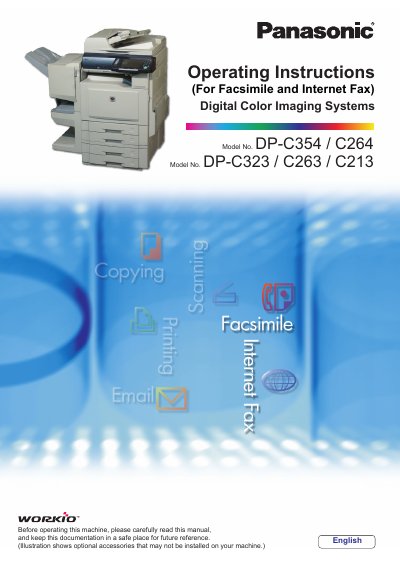

Panasonic DP-C354/C264/C323/C263/C213 Digital Color Imaging Systems Operating Instructions - cover page
Brand
Panasonic
Category
copier
Document type
User Manual
Language
English
Pages
220
File format
PDF
File size
5.9 MB
Published
08 August, 2012
Updated
28 September, 2023
MD5 checksum
0D118FD4EC8D99B6E0AE78AC78ABCC6D

About this manual

This manual provides essential information for setting up and operating the Panasonic Digital Color Imaging Systems (Models: DP-C354/C264/C323/C263/C213). It covers basic operations including Copy, Print, Facsimile/Internet Fax, and Scan/Email functions. The document also details advanced features such as confidential communication, password protection, and document management.

What's inside

  • Fax Transmission Procedure
  • Manual Dialing
  • Using the Address Book
  • Searching for a Destination
  • Redial Function
  • Transmission with Destination Monitoring
  • Talking to the Remote Party Before Transmission
  • Setting Original Quality and Size
  • Transmitting 2-Sided Originals
  • Verification Stamp

Frequently asked questions

What functions are available when an optional G3 Fax Board/Internet Fax Module is installed?

The Copy, Facsimile/Internet Fax, and Scan/Email functions become available.

What standard features come with the DP-C354/C264 models?

The Facsimile and Internet Fax features are standard on these models.

Download PDF (5.9 MB)

More Panasonic Manuals


View all Panasonic manuals →