
This document is the operating instructions for the DP-C354/C264 model of digital color imaging systems, including setup and basic operations.
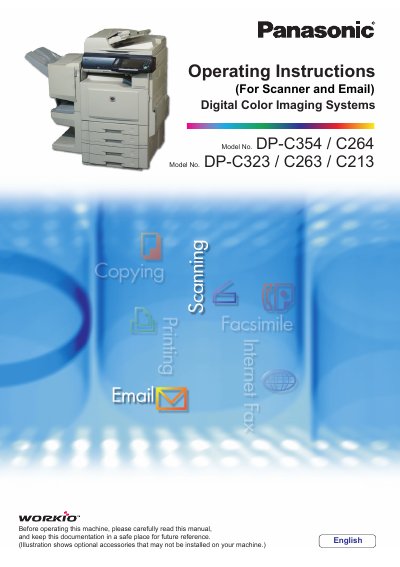
This manual provides essential information for setting up and operating the Panasonic DP-C354/C264/C323/C263/C213 Digital Color Imaging Systems. It covers basic operations including scanning to various destinations such as SD Memory Cards, PCMCIA/PC Cards, Internal Hard Disk Drives, Computers, and Email. The document details workflows for sending emails with image attachments and receiving emails automatically or manually.
The DP-C323/C263/C213 models require these specific optional components to operate the Scanner Function.
When using the Scan/Email function, the created images are rotated by 90 degrees.
You can attach JPEG, PDF, or Compressed PDF files.