
This is a copier operation manual
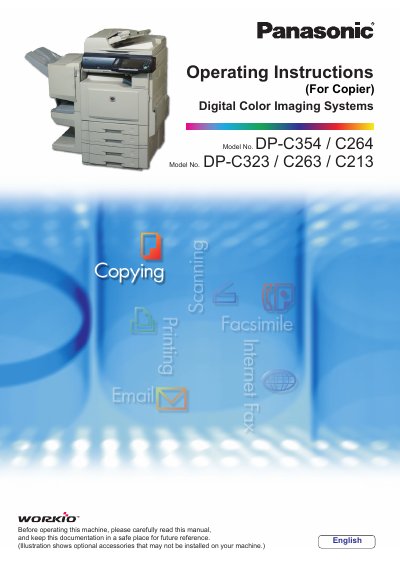
This manual provides essential information for setting up and operating the Panasonic DP-C354/C264/C323/C263/C213 Digital Color Imaging Systems. It covers basic copy procedures, including selecting color modes (Full Color, Black Mode, 2 Color, 1 Color), adjusting density and quality presets, and handling various original types.
The guide also details advanced functions such as 2-sided copying, sorting, zooming with effects, image overlaying, and scanning to email. It includes instructions for using the ADF (Automatic Document Feeder) for multi-size originals and special paper types, as well as managing copy jobs via memory recall and deletion.
You can enter a desired number of copies up to 999.
If the optional Fax Communication Board is installed, the machine interprets this as a telephone number and switches to Fax Mode.