
Quick start guide for the Olympus WS-110 digital recorder, covering power, recording, playback, settings, and PC connection.
The Olympus WS-110 digital recorder is a slim, lightweight device designed for easy high‑quality audio capture. This quick start guide walks users through turning the recorder on and off, organizing recordings, and using the LCD screen and tactile keys.
Key functions covered include recording modes (HQ, SP, LP), playback speed adjustments, file management, battery replacement, and direct PC connection for file transfer. The guide also explains menu navigation, sub‑menu options, and special features such as VCVA, Low Cut, and Voice Filter.
| Internal memory | 256 MB |
|---|---|
| Maximum recording time | up to 69 hours |
| Number of folders | 5 |
| Messages per folder | up to 200 |
| Battery type | AAA alkaline |
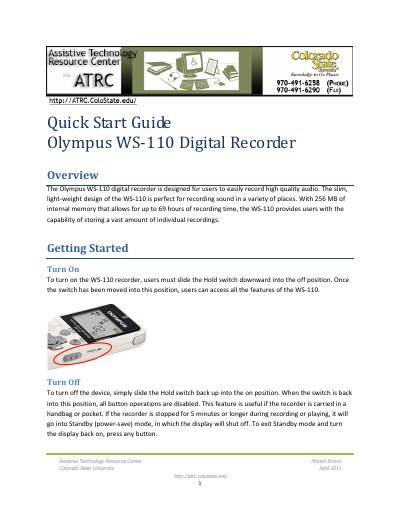
Slide the Hold switch downward into the off position to power the recorder on.
Press the Erase button and then the Play/Select button to delete the selected file.
Plug the recorder directly into a computer without a USB cable using the built‑in USB terminal.
It uses a single AAA alkaline battery; replace it by pressing the arrow, sliding the battery cover open, and inserting a new battery.