
This is a user manual for Olympus Digital Voice Recorder WS-110/WS-210S.
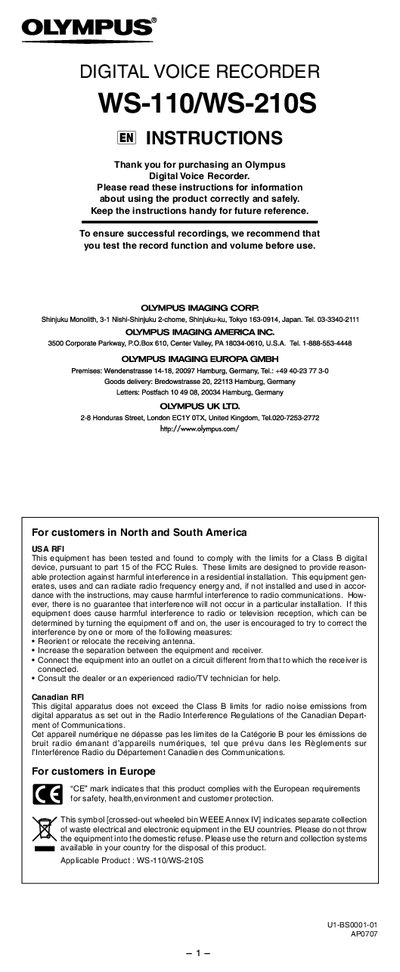
This manual introduces the Olympus WS-110/WS-210S digital voice recorder, covering safety precautions, battery handling, and basic operation such as power on/off, setting time/date, and using the HOLD switch. Detailed instructions guide users through recording, playback, folder management, and erasing files.
The guide also explains menu navigation, USB connection to a PC, supported operating systems, and troubleshooting tips for common issues like unresponsive buttons or missing sound. Compliance and regulatory information for various regions are included.
| Number of folders | 5 |
|---|---|
| Maximum recordings per folder | 200 messages |
| Battery type | Size‑AAA alkaline |
| USB ports | One free port |
Make sure the HOLD switch is not engaged, verify the battery is not depleted, and confirm the battery is inserted correctly.
Each folder can hold up to 200 recorded messages.