
This is a user manual for the Olympus VN-6500 VN-6000 VN-5500 VN-5000 digital voice recorder
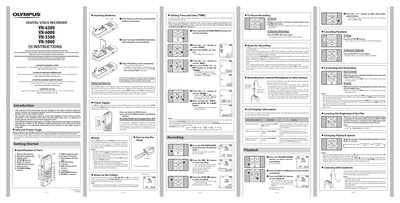
This manual introduces the Olympus VN-6500 digital voice recorder, covering safety precautions, battery handling, and basic operation. It explains the identification of parts, how to insert and replace batteries, and how to use the HOLD switch to conserve power.
Detailed sections describe setting the time and date, recording and playback controls, folder management, alarm and timer functions, recording modes, microphone sensitivity, and menu navigation. The guide also covers file erasing, moving files between folders, index marks, and resetting the recorder to its default settings.
| Recording time (HQ mode) | ≈40 h |
|---|---|
| Recording time (SP mode) | ≈107 h |
| Recording time (LP mode) | ≈604 h |
| Battery type | 2 × AAA alkaline (optional Ni‑MH BR401) |
| Number of folders | 4 |
| Maximum files per folder | 100 |
When the display shows [Cl], open the battery cover, replace the two AAA alkaline batteries (or an optional Ni‑MH BR401), close the cover, and the recorder will show the time and date setup screen.
Select the folder with the FOLDER/INDEX button, press the ERASE button twice, and confirm with [YES] to delete all files in that folder.