
This is an instruction manual that introduces the use of Olympus SZ-10 and SZ-20 digital cameras.
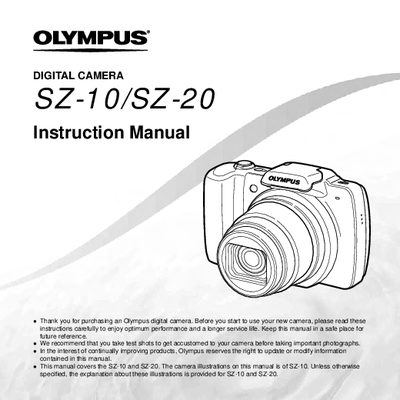
The document serves as a comprehensive instruction manual for the Olympus SZ-10 and SZ-20 digital cameras. It covers essential topics including names of parts, preparing the camera, basic operation, shooting modes, playback functions, editing tools, and printing options via PictBridge or DPOF.
Key features explained include the use of direct buttons, the wheel controller for navigation, various shooting setups like 3D and Panorama modes, and menu configurations for image quality and display. The guide also details how to format memory cards, adjust settings such as white balance and exposure compensation, and manage file protection.
This manual covers the SZ-10 and SZ-20 digital cameras.
The box includes a digital camera strap, lithium-ion rechargeable battery (L-508), USB cable, AV cable, USB-AC adapter, CD-ROM, and warranty card.
Press the [BS] button to switch between shooting and playback.