
This manual is the Advanced User's Manual for the Olympus SP-500 UZ digital camera. It provides detailed explanations of all the camera's functions.
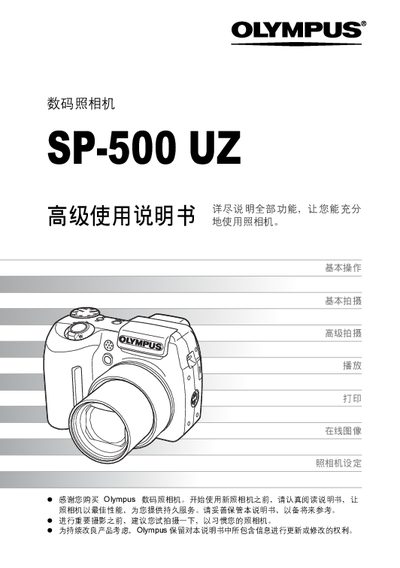
This manual covers the full range of functions for the Olympus SP-500 UZ digital camera, starting with basic operation and shooting techniques, then moving to advanced features such as aperture, shutter speed, and flash control. It also explains how to view, edit, and organize images, as well as how to print photos directly or via a computer.
Additional sections describe camera settings, language selection, date and time configuration, custom modes, and troubleshooting. The appendix provides a menu reference and part identification for quick reference. This manual is written in Chinese.
Select the reset option to restore all settings to the preset defaults.
Install and use Olympus Master software to connect the camera via USB and transfer images.
Use the direct PictBridge printing function to print images without a computer.