
OLYMPUS DVD Storage S-DVD-100 is a digital storage product launched by Olympus. The product can store digital photos and videos on DVD, and also supports viewing photos and videos on TV, and supports direct printing of photos from the camera.
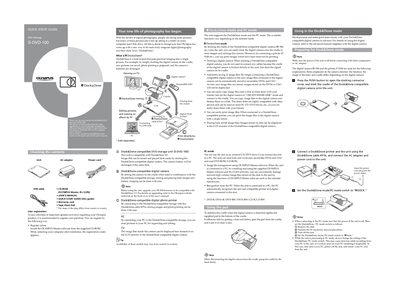
This guide provides basic operating instructions for the OLYMPUS S-DVD-100 DVD Storage unit, designed for use with Dock&Done-compatible digital cameras. It explains how to dock a camera to automatically store images and recharge batteries, as well as how to use the unit as an external CD/DVD drive for a PC. The document also covers printing image files and managing stored data.
| Compatible Disk Formats | DVD-R/DVD+R/DVD-RW/DVD+RW/CD-R/CD-RW |
|---|
Dock&Done is a total system that puts personal imaging into a single process, allowing users to save pictures, prepare photo printing, and recharge camera batteries by simply docking a digital camera.
To switch modes, set the Dock&Done/PC mode switch on the unit. Note that you cannot switch to PC mode while the unit is processing in Dock&Done mode until data writing ends.
Erasing is only possible on DVD-RW, DVD+RW, and CD-RW disks. If you select 'ALL ERASE' on CD-R/DVD-R/DVD+R disks, only the first image will be erased.