
Key facts
Start here
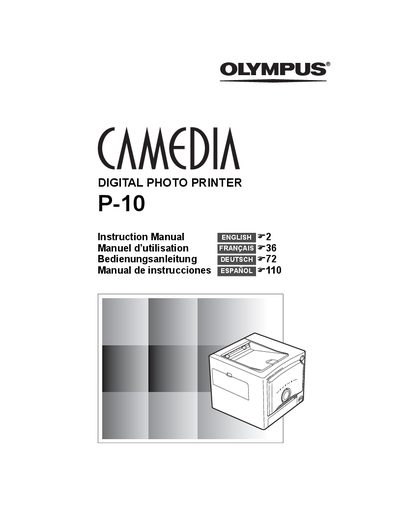
Olympus P-10 Digital Photo Printer Instruction Manual
User Manual 148 pages · 8.5 MB · EN
This document is the official user guide for the Olympus Camedia P-10 digital photo printer. It provides step-by-step instructions for unpacking the device, connecting power and cables to a PC or digital camera, loading paper and ink ribbon cartridges, and performing print operations via various methods including PictBridge compatibility.
Read onlineAll Olympus P-10 documents by type
User Manual 1
Day-to-day operation, settings and troubleshooting. Start here if the product is already set up.
Questions answered in these manuals
What is the operating temperature range for this printer?
The printer should be used in an environment with an ambient temperature between 5 to 35°C (41 to 95°F).
What is the recommended ambient temperature range for using this printer?
You should use the printer in an environment with an ambient temperature between 5 to 35°C (41 to 95°F).
What should I do when the ink cartridge is empty?
Replace the ink cartridge with a new one before continuing to print.