
Olympus P-10 Digital Photo Printer Instruction Manual

This document is the instruction manual for the OLYMPUS digital photo printer P-10, providing information on the correct use of the product and important considerations.
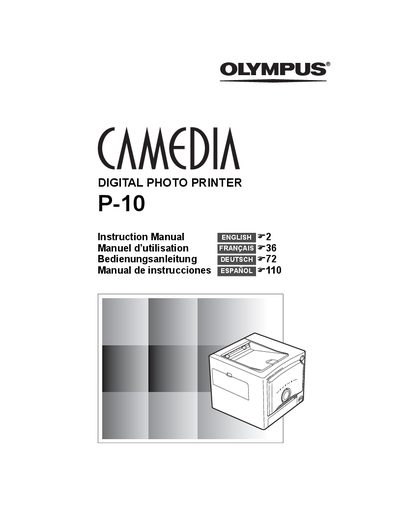

Olympus P-10 Digital Photo Printer Instruction Manual - cover page
Brand
Olympus
Category
Printer
Document type
User Manual
Language
English
Pages
148
File format
PDF
File size
8.5 MB
Published
08 June, 2012
Updated
28 September, 2023
Model
P-10
MD5 checksum
0B52D43746D1B353FB7A463CE01D646B

About this manual

This document is the official user guide for the Olympus Camedia P-10 digital photo printer. It provides step-by-step instructions for unpacking the device, connecting power and cables to a PC or digital camera, loading paper and ink ribbon cartridges, and performing print operations via various methods including PictBridge compatibility.

What's inside

  • Introduction
  • Safety precautions
  • Care and storage
  • Unpacking the printer
  • Identifying the parts
  • Connecting the power supply
  • Loading the ink ribbon cartridge
  • Printing images from digital camera
  • Printing images from PC
  • Troubleshooting

Frequently asked questions

What is the operating temperature range for this printer?

The printer should be used in an environment with an ambient temperature between 5 to 35°C (41 to 95°F).

What is the recommended ambient temperature range for using this printer?

You should use the printer in an environment with an ambient temperature between 5 to 35°C (41 to 95°F).

What is the recommended humidity range for using this printer?

The manual recommends a humidity level of 20 to 80%.

Download PDF (8.5 MB)

More Olympus Manuals


View all Olympus manuals →