
This is a user manual that introduces the basic functions, usage methods and precautions of the P-10 printer.
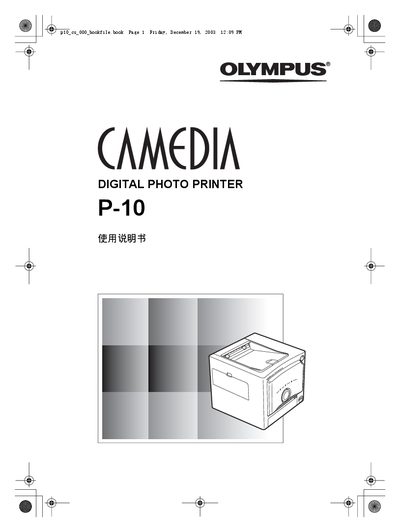
This manual covers essential safety precautions, proper handling of power and ink supplies, and detailed instructions for installing and operating the Olympus P-10 digital photo printer. It also explains supported printing standards such as PictBridge and DPOF, and describes the printer's color handling using RGB and YMC modes.
Additional sections provide component identification, accessory information, and troubleshooting steps for common issues like empty ink cartridges or power‑related problems. Contact information for Olympus service centers worldwide is included on the back cover. This manual is written in Japanese.
Replace the ink cartridge with a new one before continuing to print.