
Key facts
- Brand
- Olympus
- Model
- FE-46
- Category
- Digital cameras
- Industry
- Electronics
- Documents
- 3
- Languages
- EN
- Last added
- 2012-06-08
Start here
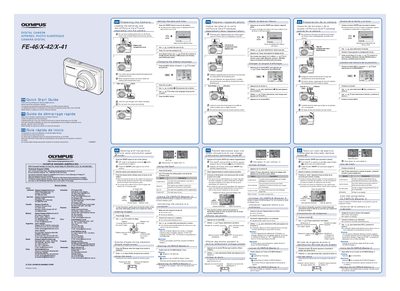
Olympus FE-46/X-42/X-41 Quick Start Guide
This document serves as a quick start guide for the Olympus FE-46, X-42, and X-41 digital cameras. It provides essential instructions in English, French, Spanish, and Portuguese on preparing the camera, including loading batteries and xD-Picture Cards or microSD adapters. The guide details how to set the date and time, change the display language, and turn the device on.
Read onlineAll Olympus FE-46 documents by type
Day-to-day operation, settings and troubleshooting. Start here if the product is already set up.
The shortest path to a working setup, usually only a few pages.
Questions answered in these manuals
What is included in the box?
The package includes two AA batteries, the digital camera, an AV cable, a microSD adapter, and other accessories.
From: Olympus FE-46/X-42/X-41 Digital Camera Instruction Manual
How do I switch between shooting modes?
You can switch shooting modes by pressing the button labeled with a specific icon on the camera body.
From: Olympus FE-46/X-42/X-41 Digital Camera Instruction Manual
What is the optical zoom of this camera?
The camera features a 5x optical zoom.
How do I select P mode if it is not displayed?
Press the Wy button several times to select it.