
Olympus FE-46/X-42/X-41 Quick Start Guide

This is an Olympus FE-46/X-42/X-41 digital camera user manual
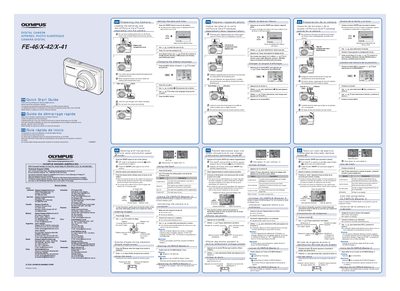

Olympus FE-46/X-42/X-41 Quick Start Guide - cover page
Brand
Olympus
Category
Digital cameras
Document type
Quick Start Guide
Language
English
Pages
2
File format
PDF
File size
1 MB
Published
08 June, 2012
Updated
30 September, 2023
MD5 checksum
43E57893F67EF0926ED3AC59CEA80729

About this manual

This document serves as a quick start guide for the Olympus FE-46, X-42, and X-41 digital cameras. It provides essential instructions in English, French, Spanish, and Portuguese on preparing the camera, including loading batteries and xD-Picture Cards or microSD adapters. The guide details how to set the date and time, change the display language, and turn the device on.

What's inside

  • Preparing the Camera
  • Loading Batteries and Card
  • Setting Date and Time
  • Changing Display Language
  • Shooting with P Mode
  • Using the Flash
  • Connecting to Computer

Frequently asked questions

What is the optical zoom of this camera?

The camera features a 5x optical zoom.

How do I select P mode if it is not displayed?

Press the Wy button several times to select it.

Download PDF (1 MB)

More Olympus Manuals


View all Olympus manuals →