
Olympus FE-46/X-42/X-41 digital camera user manual, introduces the camera's names, preparation, shooting, playback, deletion, etc. usage methods
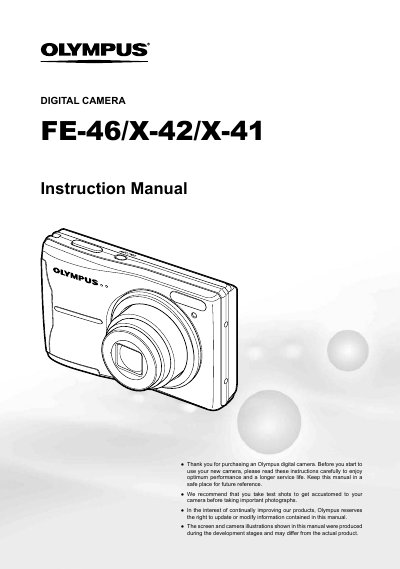
This document is the official user guide for the Olympus FE-46, X-42, and X-41 digital cameras. It provides instructions on preparing the camera, including checking box contents and installing batteries. The manual details how to turn the device on and off, navigate the menu system, and utilize various shooting modes such as still images, movies, macro, and panorama.
The package includes two AA batteries, the digital camera, an AV cable, a microSD adapter, and other accessories.
You can switch shooting modes by pressing the button labeled with a specific icon on the camera body.