
This is a basic manual for the Olympus µ1020 digital camera, which introduces the basic operation and shooting settings of the camera, including how to prepare the camera, set the date and time, select a language, take pictures, view pictures, etc.
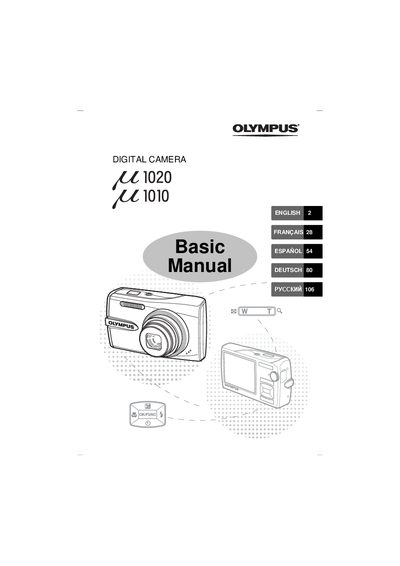
This document serves as a basic guide for users of the Olympus E1020 and 1010 digital cameras. It covers essential topics including gathering box contents, preparing the camera by charging the battery and inserting an xD-Picture Card, and turning the device on. The manual explains how to set the date and time, select languages, and navigate shooting modes such as Auto (A), Scene (SCN), Guide, and Macro.
| Charging Time | Approx. 2 hours |
|---|
Yes, you can shoot pictures even without using an optional xD-Picture Card; if one is not inserted, pictures are saved to the internal memory.
To turn off the camera, press the POWER button once again after it has been turned on.