
This is a basic manual for a digital camera, which explains how to prepare the camera, charge the battery, set the date and time, shoot, playback, erase, use different shooting modes and functions, as well as print and use accessories.
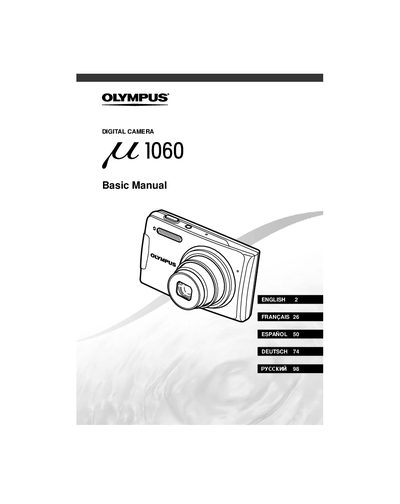
This manual provides basic instructions for setting up and using the Olympus E1060 digital camera. It covers initial preparation steps such as checking box contents, attaching the strap, charging the battery, and loading xD-Picture Cards or microSD cards via the attachment.
The guide details how to operate the camera in various modes including GUIDE (Pi), P (Program Auto), SCN (Scene), and Q (Movie). It explains functions for shooting still images and movies, adjusting exposure, using the flash, and performing playback operations like viewing, erasing, and printing images.
| Battery Type | Lithium ion |
|---|
If you insert the battery incorrectly, you will not be able to remove it without using force or contacting service centers.
Yes, this camera can take pictures using the internal memory when no xD-Picture Card is inserted.