
This is a manual of digital camera C-100 D-370
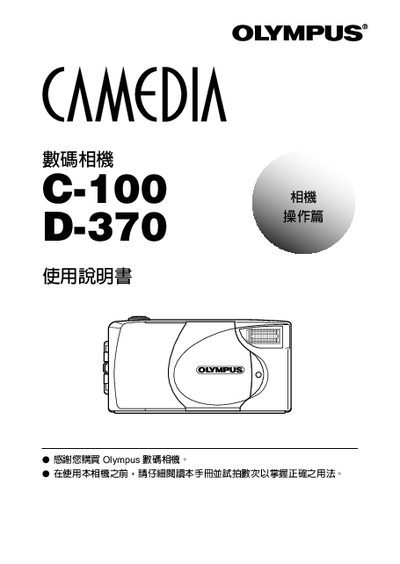
This manual provides step‑by‑step instructions for preparing the Olympus C-100 D-370, including battery installation, power connection, and setting the date and time. It also describes how to insert a SmartMedia card, use the USB interface, and operate various shooting modes such as auto, portrait, and self‑timer.
Additional sections cover image playback, image editing functions, and a troubleshooting guide that lists common error messages and corrective actions. Contact information for Olympus support in Japan, the United States, and Europe is provided at the end of the document.
| Memory Card Type | SmartMedia |
|---|---|
| Power Input | DC‑IN |
Use the date and time setting function described in the setup section of the manual.
The camera uses a SmartMedia card for storage.