
This document provides instructions for the basic use and precautions of a digital camera called DIGITAL CAMERA/APPAREIL PHOTO NUMÉRIQUE DIGITALKAMERA/CAMERA DIGITAL/ 數碼相機 C-100/D-370. It is recommended to take test shots before important photography to become familiar with the camera. The document also mentions instructions for connecting the camera to a computer using the software CD-ROM.
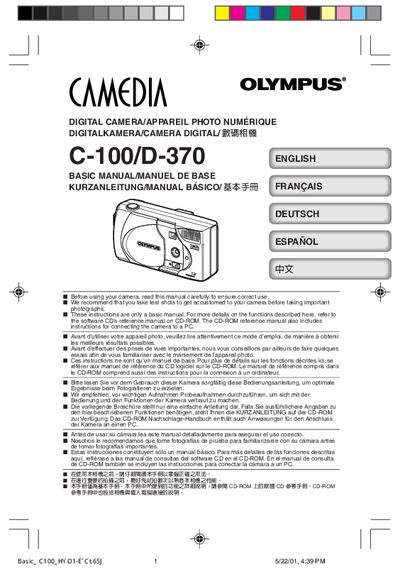
This manual covers the essential steps to get started with the Olympus C-100/D-370 digital camera, including attaching the strap, loading batteries, and inserting a SmartMedia memory card. It also explains how to turn the camera on and off, adjust settings such as date, time, white balance, and exposure compensation, and how to record and playback images.
Safety notices, FCC compliance information, and troubleshooting tips such as the "NO CARD" display are included. Contact details for Olympus support in various regions are provided at the end of the document.
| Weight (without battery/card) | 190 g |
|---|---|
| Supported batteries | 4 × AA (alkaline, NiMH, Li‑Ion, NiCd) or 2 × CR‑V3 |
| ISO sensitivity (example) | ISO 100 |
Pass the short end of the strap through the strap eyelet, then pass the long end through the loop and pull tight.
The camera can use four AA alkaline (or NiMH, Li‑Ion, NiCd) batteries or two CR‑V3 lithium battery packs.
Only SmartMedia removable memory cards are supported.
It indicates that no memory card is inserted; the camera will use its internal memory instead.