
This document is the instruction manual for OLYMPUS digital camera, which introduces the functions of camera buttons, menu operations, printing pictures, and using OLYMPUS Master software. It is recommended to take test shots before taking important photos to familiarize yourself with the camera operations. The document also provides more information on camera operations and how to take better pictures, as well as convenient functions and safety precautions. The appendix includes instructions on testing the functions of camera buttons and how to print pictures.
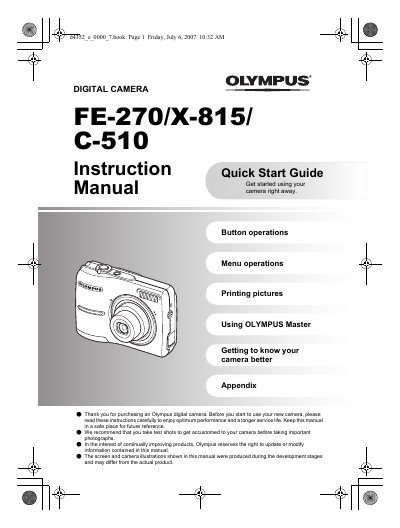
This document serves as an instruction and quick start guide for the Olympus FE-270/X-815/C-510 series of digital cameras. It details how to gather box contents, prepare the camera with batteries and xD-Picture Cards, and turn on the device in shooting mode.
Yes, you can take pictures without inserting the optional xD-Picture Card; if you do not insert the card, the pictures will be stored in the internal memory.
To turn off the camera, press the POWER button once again after it has been turned on.