
This document mainly introduces the hardware operation methods, various function keys and scanner usage of MC3000 series hand-held mobile terminals
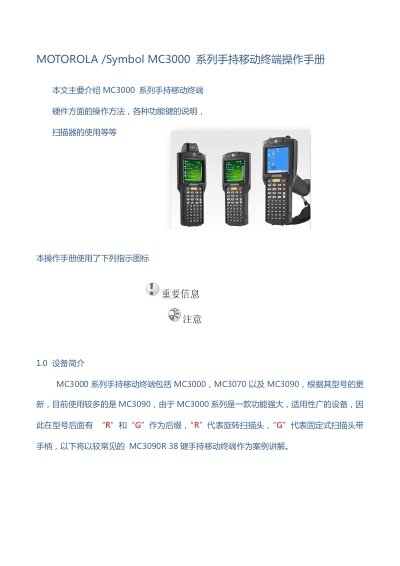
The guide introduces the MC3000 series handheld terminals (MC3000, MC3070, MC3090) and describes hardware components such as the laser scanner, screen, keyboard, and battery. It covers basic procedures like powering on/off, installing and charging the battery, inserting an SD card, and using the scanner.
Later sections detail the keyboard layout, operating‑system calibration, and a fault‑analysis table that helps technicians identify common failures of the mainboard, scanner, display, and wireless modules. This manual is written in Chinese.
| Scanner rotation angle | 270° |
|---|---|
| Optimal scanning angle | 65° |
| Number of keys | 38 |
| Supported SD card | SD Card slot |
| Models in series | MC3000, MC3070, MC3090 (R/G variants) |
Press the power button to turn the device on; press the same button again to turn it off.
Open the battery cover, locate the SD‑card slot, insert the card following the arrow direction, close the slot and re‑install the battery.
A scanning angle of about 65° provides the best performance.