
Quick installation guide for Grandstream GWN7800 Series Layer 2+ managed network switches, covering setup, configuration, and rack mounting.
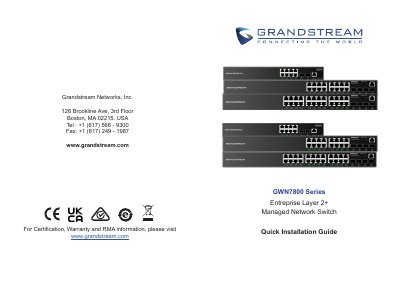
This guide provides quick installation instructions for the Grandstream GWN7800 Series Enterprise Layer 2+ Managed Network Switch. It covers package contents, port descriptions, LED indicators, and safety precautions for operation and storage.
| Power Input | 100-240VAC 50-60Hz |
|---|---|
| Operating Temperature | 0 °C to 45 °C |
| Storage Temperature | -10 °C to 60 °C |
| Operating Humidity | 10-90% RH (non-condensing) |
| Storage Humidity | 5-95% RH (non-condensing) |
| Default IP Address | 192.168.0.254 |
| Default Username | admin |
| Reset Duration | 5 seconds |
The default IP address is 192.168.0.254 if no DHCP server is available.
Press the Factory Reset pinhole for 5 seconds to reset factory default settings.
The default administrator username is 'admin'.