
Dell XPS 14 BIOS Update Guide

A guide to updating the BIOS on a Dell 72 series computer.
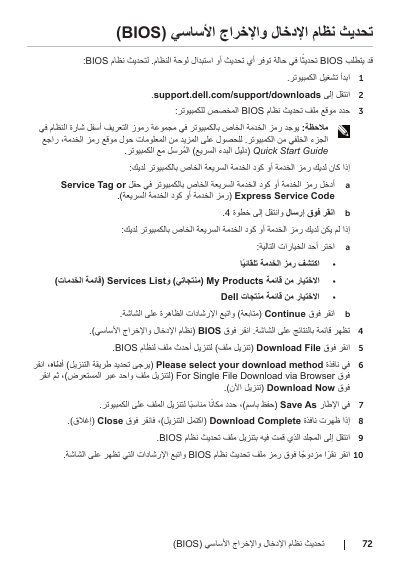

Dell XPS 14 BIOS Update Guide - cover page
Brand
DELL
Category
Laptops
Document type
User Manual
Language
AR
Pages
72
File format
PDF
File size
7.5 MB
Published
24 November, 2023
Updated
24 November, 2023
Model
XPS 14
MD5 checksum
D04275CF9AE27C2AB74976F3B9A1C18A

About this manual

This document serves as a Quick Start Guide for updating the BIOS on Dell XPS 14 laptops. It provides step-by-step instructions on how to locate the Service Tag or Express Service Code required to access support resources. The guide directs users to the official Dell support website to download the correct BIOS update file for their specific system.

What's inside

  • BIOS
  • Service Tag
  • Express Service Code
  • Download File
  • Installation
  • Regulatory Compliance

Frequently asked questions

What is the specific model of the Dell XPS 14 covered in this guide?

The guide applies to the Dell XPS 14 model with the specific model number XPS L421X.

What is the date of the BIOS update provided in this document?

The BIOS update listed in this document was released on June 2012.

Download PDF (7.5 MB)

More DELL Manuals


View all DELL manuals →