
Dell XPS 14 BIOS Update Guide

This document describes how to update the BIOS for the Dell 72 series.
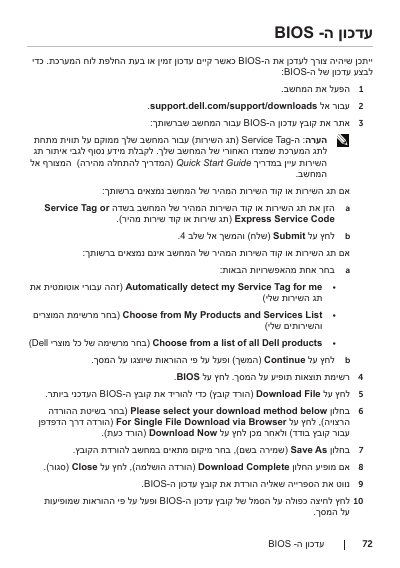

Dell XPS 14 BIOS Update Guide - cover page
Brand
DELL
Category
Laptops
Document type
User Manual
Language
HE
Pages
72
File format
PDF
File size
7.5 MB
Published
24 November, 2023
Updated
24 November, 2023
Model
XPS 14
MD5 checksum
DB7779D1E5E49999AA56467DD5AA1B3A

About this manual

This guide provides step-by-step instructions for users to update the BIOS on their Dell XPS 14 laptop. The process involves accessing the Dell Support website, entering the Service Tag or Express Service Code, and downloading the appropriate BIOS file.

What's inside

  • BIOS Update
  • Service Tag
  • Express Service Code
  • Download File
  • Save As
  • Regulatory Compliance

Frequently asked questions

How do I find my BIOS update?

You can find your update by entering your Service Tag or Express Service Code on the Dell Support website.

What if I don't have my Service Tag?

You can choose from a list of all Dell products to find the correct update for your device.

Download PDF (7.5 MB)

More DELL Manuals


View all DELL manuals →