
Key facts
Start here
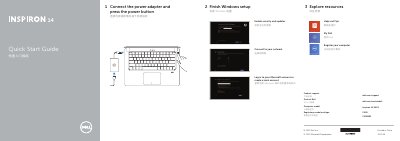
Dell Inspiron 14-5439 Laptop Quick Start Guide
User Manual 2 pages · 435 KB · ZH
This document serves as a quick start guide for the Dell Inspiron 14-5439 laptop. It provides initial setup instructions, including connecting the power adapter, completing Windows setup, and enabling security updates. The guide also directs users to Dell's support website for further assistance. This manual is written in Chinese.
Read onlineAll Dell Inspiron 14-5439 documents by type
User Manual 2
Day-to-day operation, settings and troubleshooting. Start here if the product is already set up.
Questions answered in these manuals
How do you connect the power adapter?
Connect the power adapter and press the power button.
What is the purpose of the fingerprint reader?
The guide lists the fingerprint reader as a feature on the laptop.
How do I start the Windows setup?
Connect the power adapter and press the power button.
What shortcut key disables the touchpad?
Disable/Enable touchpad.