
Key facts
Start here
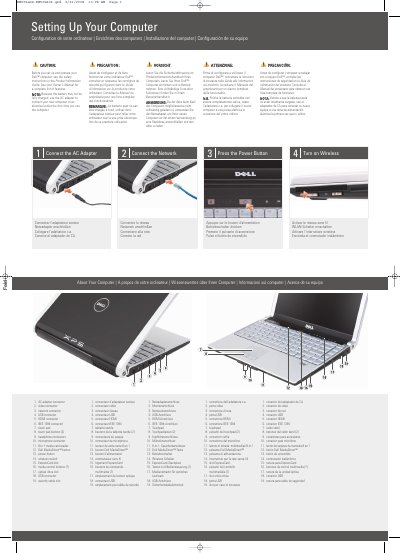
Dell XPS 1330 Quick Start Guide
This document provides multilingual instructions for setting up a new Dell XPS 1330 computer. It details how to connect the AC adapter, attach peripherals, and turn on the device for the first time. The guide includes a labeled diagram of the computer's ports and buttons, such as the power button, wireless switch, and various connectors like USB and HDMI.
Read onlineAll Dell XPS 1330 documents by type
Day-to-day operation, settings and troubleshooting. Start here if the product is already set up.
The shortest path to a working setup, usually only a few pages.
Questions answered in these manuals
What must be done the first time the new computer is used?
You must use the AC adapter to connect the computer to an electrical outlet to charge the battery.
Where can a complete list of the computer's features be found?
A complete list of features is located in the Owner's Manual.
What should be used to connect the computer to an electrical outlet the first time it is used?
Use the AC adapter to connect the new computer to an electrical outlet the first time.
Where can users find more information about using the computer?
Users can consult the Owner's Manual or visit support.dell.com.