
Key facts
- Brand
- DELL
- Model
- D6000S
- Category
- Other Computer Accessories
- Documents
- 4
- Languages
- ZH · FR · EN
- Last added
- 2026-10-24
Start here
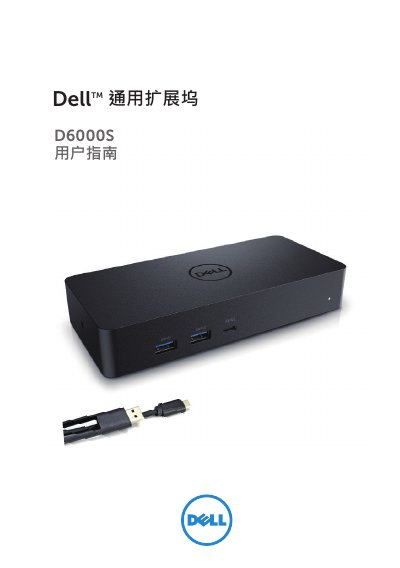
Dell D6000S Universal Dock User Guide
The Dell D6000S Universal Dock expands a laptop’s connectivity with USB‑C, USB‑A, HDMI, DisplayPort, Ethernet and power delivery. It supports up to 5 K resolution on DisplayPort and 4 K on HDMI, delivering up to 65 W power through the USB‑C upstream port.
The guide covers package contents, recommended system requirements, step‑by‑step Windows setup, DisplayLink manager usage, TV‑fit configuration, and a detailed troubleshooting FAQ to help resolve common video, USB, and power issues. This manual is written in Chinese.
Dell D6000S specifications
| Power Adapter Included (WD19S 130W) | 130 W |
|---|---|
| Power Adapter Included (WD19S 180W) | 180 W |
| Power Adapter Included (WD19TBS) | 180 W |
| Power Adapter Included (WD19DCS) | 240 W |
| Power Adapter Included (D6000S) | 130 W |
| Max Power Delivery (WD19DCS Dual Port) | 210 W |
| Max Power Delivery (WD19DCS Single Port) | 130 W |
| Max Power Delivery (D6000S) | 65 W |
Source: Dell WD19S/WD19TBS/WD19DCS/D6000S Commercial Docking Stations Product Leaflet
All Dell D6000S documents by type
Day-to-day operation, settings and troubleshooting. Start here if the product is already set up.
Questions answered in these manuals
Is the WD19TBS dock compatible with Mac devices?
Yes, the WD19TBS dock is Apple® certified and can be used with Mac devices.
From: Dell WD19S/WD19TBS/WD19DCS/D6000S Commercial Docking Stations Product Leaflet
Can I upgrade the WD19S dock to support Thunderbolt?
Yes, you can upgrade the WD19S to the WD19TBS by replacing the docking module.
From: Dell WD19S/WD19TBS/WD19DCS/D6000S Commercial Docking Stations Product Leaflet
Why are the dock's USB ports not working?
Unplug the power adapter, wait 10 seconds, then reconnect, and update to the latest USB 3.0 host controller.
What should I do if there is no video on the monitor?
Check the video connection cables, unplug the power, wait 10 minutes, and plug it back in.
How do I fix corrupted or scratched video on the monitor?
Check the video connection cables and verify the video resolution settings in the Control Panel.
What should I do if there is no video on the monitor attached to the dock?
Check the video connection cables, unplug from power, wait 10 seconds, and then reconnect.