
Dell TM Universal Dock (D6000S) User Guide
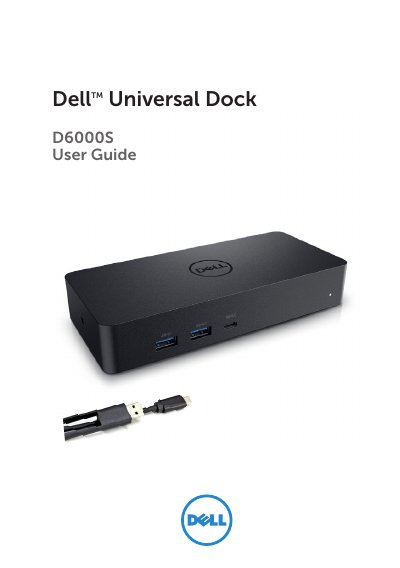
The Dell D6000S Universal Dock is a versatile docking station designed to expand connectivity for laptops. It supports both USB-C and USB 3.0 Type A platforms, offering multiple video outputs including HDMI and DisplayPort, as well as USB ports and Gigabit Ethernet. The dock utilizes DisplayLink technology to extend or mirror displays to external monitors.
| Upstream USB 3.0 Type A | Via C-to-A converter |
|---|---|
| USB-C Support | Support power delivery up to 65W |
| Downstream USB 3.0 Type A | 3 x USB 3.0 Type A |
| Downstream USB-C | 1 x USB-C (front, Data only, and PowerShare) |
| Video Outputs | 1 x HDMI, 2 x DisplayPort |
| Network | Gigabit Ethernet |
| USB Capability | 5 Gbps |
| Operating Temperature | Max. 40°C |
| Adapter Output | 19.5V / 6.7A |
Check the video connection cables, unplug from power, wait 10 seconds, and then reconnect.
No, HDCP content support is currently not available on the dock.
Remove all USB devices connected to the dock, as some unqualified boot devices may cause a lock up.