
The DellTM D6000S Universal Dock User's Guide provides information on how to use the DellTM D6000S Universal Dock.
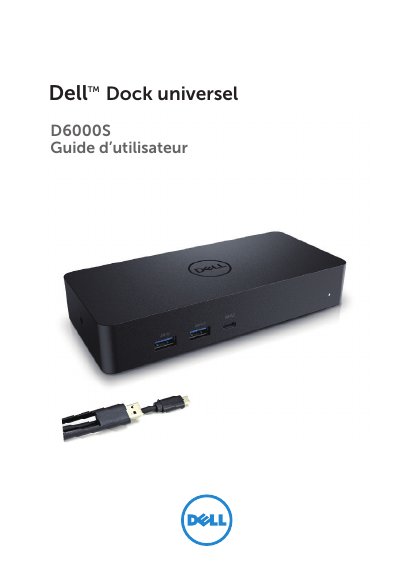
The Dell D6000S Universal Dock is a connectivity hub designed to expand the capabilities of laptops and desktops. It supports multiple display outputs via USB-C and USB 3.0, allowing for up to four monitors with resolutions up to 4K@60Hz depending on the host platform. The dock features USB 3.0 ports, Gigabit Ethernet, and HDMI connectivity, powered by a 130W AC/DC adapter. This manual is written in French.
| Upstream USB | USB 3.0 Type A, USB-C (up to 65W power output) |
|---|---|
| Downstream USB | 3 x USB 3.0 Type A, 1 x USB 3.0 Type A (PowerShare), 1 x USB-C (Data only, PowerShare) |
| Video Outputs | 1 x HDMI, 2 x DisplayPort |
| Network | Gigabit Ethernet |
| Power Input | 100 VAC to 240 VAC / 50 Hz to 60 Hz |
| Power Output | 19.5V / 6.7A |
| Max Operating Temperature | 40°C |
Check the video connection cables, unplug the power, wait 10 minutes, and plug it back in.
Check the video connection cables and verify the video resolution settings in the Control Panel.
A processor like Intel Core i3 2+GHz or AMD Trinity, 4GB memory, and a compatible graphics card.
Remove all USB devices connected to the dock, as some devices may prevent system initialization.