
The Dell D6000S Universal Dock User Guide provides setup, connection, driver installation, and troubleshooting instructions.
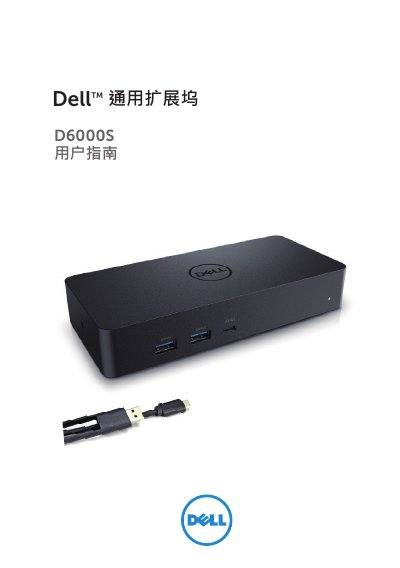
The Dell D6000S Universal Dock expands a laptop’s connectivity with USB‑C, USB‑A, HDMI, DisplayPort, Ethernet and power delivery. It supports up to 5 K resolution on DisplayPort and 4 K on HDMI, delivering up to 65 W power through the USB‑C upstream port.
The guide covers package contents, recommended system requirements, step‑by‑step Windows setup, DisplayLink manager usage, TV‑fit configuration, and a detailed troubleshooting FAQ to help resolve common video, USB, and power issues. This manual is written in Chinese.
| Upstream input ports | USB 3.0 Type‑A (via C‑to‑A adapter) and USB‑C (up to 65 W power output) |
|---|---|
| Downstream output ports | 3× USB 3.0 Type‑A, 1× USB 3.0 Type‑A (front, power), 1× USB‑C (front, data & power), 1× HDMI, 2× DisplayPort, Gigabit Ethernet |
| Product signal speed | 5 Gbps |
| Recommended power adapter | 130 W AC/DC adapter |
Unplug the power adapter, wait 10 seconds, then reconnect, and update to the latest USB 3.0 host controller.