
Key facts
Start here
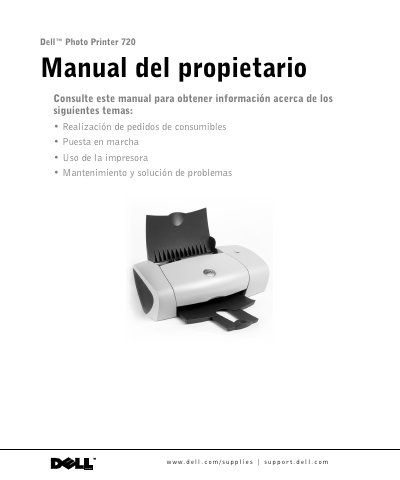
Dell Photo Printer 720 User Manual
The manual provides instructions for setting up the Dell Photo Printer 720, including component identification, installation, software overview, and paper handling. It details printing documents, photos, and other projects, along with guidelines for loading various paper types.
Maintenance sections cover ink cartridge replacement, alignment, and nozzle cleaning. Troubleshooting addresses installation, computer, printer, paper, and print quality issues. The appendix includes warranty terms, software license, regulatory notices, and power specifications (120/127 VAC, 50/60 Hz, 1 A input; 30 VDC, 0.4 A output). This manual is written in Spanish.
Dell Photo Printer 720 specifications
| Input voltage | 120/127 VAC |
|---|---|
| Input frequency | 50/60 Hz |
| Input current | 1 A |
| Output voltage | 30 VDC |
| Output current | 0.4 A |
| Black ink cartridge | T0529 |
| Color ink cartridge | T0530 |
All Dell Photo Printer 720 documents by type
Day-to-day operation, settings and troubleshooting. Start here if the product is already set up.
Questions answered in these manuals
How do I order ink cartridges for the Dell Photo Printer 720?
Ink cartridges are only available through Dell and can be ordered online at www.dell.com/supplies or by phone using the country-specific numbers listed in the manual.
How do I align the ink cartridges?
The manual includes a section on aligning ink cartridges (alineación de cartuchos de tinta) on page 28.
Where can I order Dell ink cartridges?
Dell ink cartridges are available only through Dell, either online at www.dell.com/supplies or by phone.
What is the part number for the black trial ink cartridge?
The part number for the black (Trial) ink cartridge is N5878.