
Key facts
- Brand
- DELL
- Model
- 944
- Category
- All-in-one printer
- Industry
- Electronics
- Documents
- 5
- Languages
- FR · ES · IT
- Last added
- 2026-11-23
Start here
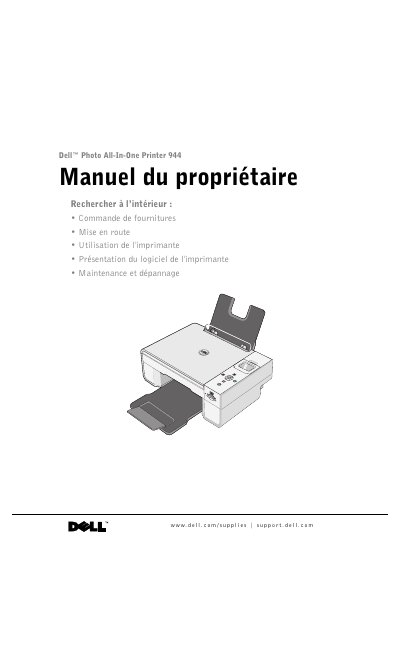
Dell 944 All-in-One Printer User Manual
This manual provides step-by-step instructions for setting up, operating, and maintaining the Dell 944 All-in-One printer. It covers printing, copying, scanning, faxing, and troubleshooting common issues. The guide also includes information on ordering ink cartridges and safety precautions.
The manual is organized into sections for installation, usage, maintenance, and troubleshooting, with detailed instructions for each function. It includes contact information for ordering supplies and support in multiple countries. This manual is written in French.
All Dell 944 documents by type
Day-to-day operation, settings and troubleshooting. Start here if the product is already set up.
Questions answered in these manuals
What countries are listed for ordering Dell ink cartridges?
The countries listed include the United States, Canada, United Kingdom, France, Germany, Italy, Japan, and others.
What is the model number of the printer?
The model number is Dell 944.
What operating systems does the Dell Photo All-In-One Printer 944 support?
The printer supports Microsoft® Windows® 2000, Windows XP, and Windows XP Professional x64.
How do I change the language on the printer?
To change the language, press the power button, navigate to Settings > Language, and select your preferred language using the arrow buttons.
Where can I buy Dell ink cartridges for this printer?
Dell ink cartridges are available only from Dell, online at www.dell.com/supplies or by telephone.
Which ink cartridge codes are listed for the printer?
The listed cartridges include standard black J5566, standard color J5567, high-capacity black M4640, high-capacity color M4646, and photo ink J4844.