
Dell 944 All-in-One Printer User Manual

User guide for Dell 944 All-in-One printer covering setup, printing, copying, scanning, faxing, maintenance, and troubleshooting.
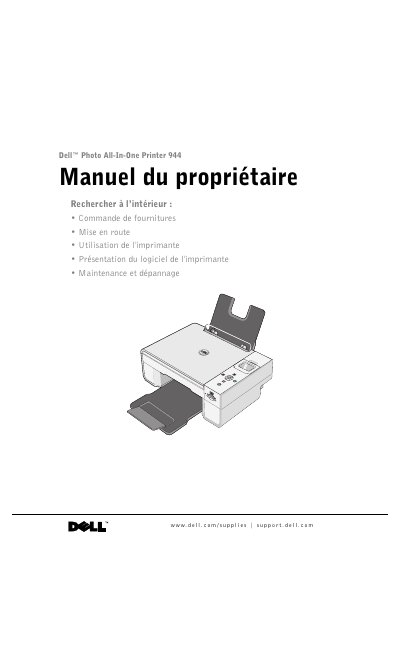

Dell 944 All-in-One Printer User Manual - cover page
Brand
DELL
Category
All-in-one printer
Document type
User Manual
Language
French
Pages
124
File format
PDF
File size
3.5 MB
Published
23 November, 2026
Updated
23 November, 2026
Model
944
MD5 checksum
03AD3B6861B47F2D4F0178F34826E76C

About this manual

This manual provides step-by-step instructions for setting up, operating, and maintaining the Dell 944 All-in-One printer. It covers printing, copying, scanning, faxing, and troubleshooting common issues. The guide also includes information on ordering ink cartridges and safety precautions.

The manual is organized into sections for installation, usage, maintenance, and troubleshooting, with detailed instructions for each function. It includes contact information for ordering supplies and support in multiple countries. This manual is written in French.

What's inside

  • Installation of the printer
  • Using the control panel
  • Printing documents and photos
  • Copying documents and photos
  • Scanning documents and photos
  • Sending and receiving faxes
  • Software and utilities
  • Maintenance and troubleshooting
  • Contacting Dell support

Frequently asked questions

What countries are listed for ordering Dell ink cartridges?

The countries listed include the United States, Canada, United Kingdom, France, Germany, Italy, Japan, and others.

What is the model number of the printer?

The model number is Dell 944.

What is the minimum wire gauge for the modem cable?

The minimum wire gauge is 26 AWG.

What is the software included for managing ink?

The software is called Dell Ink Management System.

Download PDF (3.5 MB)

More DELL Manuals


View all DELL manuals →